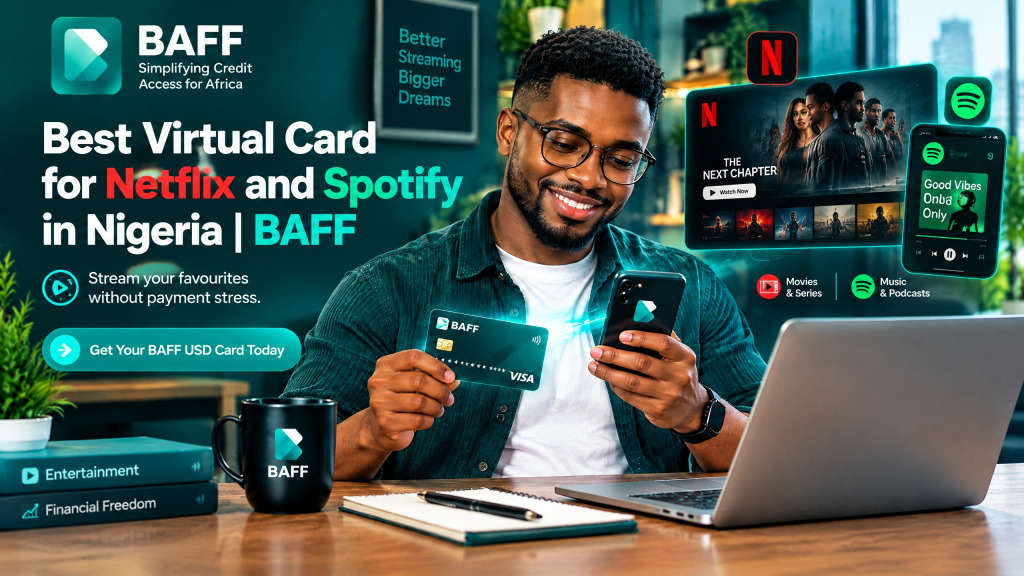
Why a USD virtual card can help with Netflix and Spotify
A virtual card is used online without a physical piece of plastic. BAFF’s card is denominated in USD: fund your BAFF wallet with Naira, then move money to the card before using it at an eligible international merchant.
This can separate subscription money from everyday spending while giving you one place to manage the card. Transactions use PIN or biometric security, and card details are encrypted.
The merchant still makes the final decision. Netflix explains that payment methods can be declined or not accepted and provides troubleshooting for billing issues . Spotify also says available payment methods vary by country or region and directs customers to the payment options shown for their account location . In other words, a USD virtual card is a practical option to try, not a guarantee of acceptance.
Is BAFF a good fit for these subscriptions?
BAFF may suit you if you want a Naira-funded USD card for eligible international online payments, visible in-app costs, and control over how much you move to the card. You can review wallet-funding charges and FX rates in-app; card creation is currently free, while a one-time $2 usage fee applies when spending is activated. Acceptance still depends on Netflix, Spotify, your account location, plan and current merchant controls. Our USD Virtual Card page and Nigeria setup guide provide more detail.
How to pay for Netflix or Spotify with a BAFF USD Virtual Card
1. Download and verify your BAFF account
Start by downloading BAFF. You can also use the App Store listing or Google Play listing. Create your account and complete verification with your phone and ID as requested. Eligibility and verification requirements may change, so follow the instructions shown in the app.
2. Fund your BAFF wallet with Naira
Add Naira using the available in-app funding option. Review the displayed charge and FX rate; these may change. Funding the wallet is not the same as funding the card, so move your intended spending amount to the USD Virtual Card.
3. Create the USD Virtual Card
Open Cards in the BAFF app and choose the option to create a USD Virtual Card. Card creation is currently free. When spending is activated, a one-time $2 usage fee applies. Review the current in-app information before you proceed, because product pricing and card conditions can change.
4. Move funds to the card
Transfer the amount needed for Netflix or Spotify from your wallet to the card. Check the balance and leave room for the next renewal; do not assume the card will refill automatically.
5. Enter the card details at the merchant
At Netflix, use the account’s payment-management flow to add or update your payment method. Netflix’s official billing guidance covers payment history, billing dates, payment updates and declined-payment troubleshooting . For Spotify, open the Premium purchase flow for your account location and review the payment options presented. Spotify says you will not be charged until you submit your payment information .
Use your BAFF card details exactly as shown. Protect your PIN, device access and card information. If the merchant declines the payment, do not repeatedly retry without checking your balance, billing details and the merchant’s help page.
6. Confirm the subscription and monitor renewal
After payment, confirm the plan and billing date. Check your BAFF balance before renewal. A recurring charge can fail if the balance is low, the amount changes, a limit is reached, or acceptance changes.
Tips for smoother Netflix and Spotify payments
Check your account region and plan first. Spotify says payment methods differ by country or region . Budget for the subscription price, possible tax, BAFF’s funding charge, FX conversion and the one-time $2 usage fee. Review current in-app figures.
Keep your phone, PIN and card details private. BAFF uses PIN or biometric security and encrypted card details, but you should still use your own device and monitor transactions. For errors, use Netflix’s Billing and Payments help page or Spotify’s Accepted payment methods page , and review BAFF’s Terms and Privacy Policy.
Fees, limits and important limitations
Here is the honest version: BAFF currently lists card creation as free, with a one-time $2 usage fee when spending is activated. Wallet-funding charges and FX rates are shown in-app. The final cost of a Netflix or Spotify payment can also depend on the merchant’s price, taxes, billing currency and account region.
A successful first payment does not guarantee future renewals. Merchant acceptance, card limits, eligibility, fees and processing time can change. A service may decline a payment because of its own controls, an insufficient balance, a changed subscription amount or a temporary technical issue. If a payment fails, check the merchant account, BAFF balance and current in-app notices before trying again.
Ready to try BAFF for your subscriptions?
If you want to try eligible international online payments from Nigeria, get started with BAFF. Download the app, verify your account, fund your wallet in Naira, create your USD Virtual Card in Cards, and move only what you intend to spend. See our USD Virtual Card overview. You can also explore loans and BAFF Books.
Frequently asked questions
Can I use a BAFF USD Virtual Card for Netflix in Nigeria?
Netflix is one of BAFF’s listed common use cases for eligible international online payments from Nigeria. Acceptance is decided by the merchant and can change, so we cannot guarantee every account or payment attempt.
Can I use a BAFF USD Virtual Card for Spotify Premium in Nigeria?
Spotify is also a BAFF-listed common use case. Check the payment methods Spotify displays for your account location, fund the card sufficiently, and remember that acceptance and eligibility can change.
How much does a BAFF virtual card cost?
Card creation is currently free. A one-time $2 usage fee applies when spending is activated; wallet-funding charges and FX rates appear in-app.
Do I fund the virtual card directly with Naira?
Fund your BAFF wallet with Naira first, then move funds from the wallet to the USD Virtual Card before paying.
What if Netflix or Spotify declines the card?
Check the balance, account details, billing date and merchant payment method. Review the official platform help page and current BAFF in-app information; a decline may be temporary or merchant-specific.
Is a virtual card safer than sharing my bank card online?
A virtual card can separate your online-payment balance. BAFF uses PIN or biometric security and encrypted card details, but protect your phone and credentials and monitor transactions.
Can I use the card for other online services?
BAFF also lists Amazon, Shein, Facebook/Meta Ads, Google Ads, ChatGPT, Canva, Apple Music, Google Play, Adobe and online courses. Treat these as examples, not guarantees.